Back it up. Prove it works.
A lost or broken phone shouldn't mean lost photos. Back up each vault, encrypted, and check that the backup opens with your recovery words.
- Google Drive, a folder, a file or your computer
- Always encrypted, opened only by the 9 words
- Check a backup works, without restoring
- Free on every plan
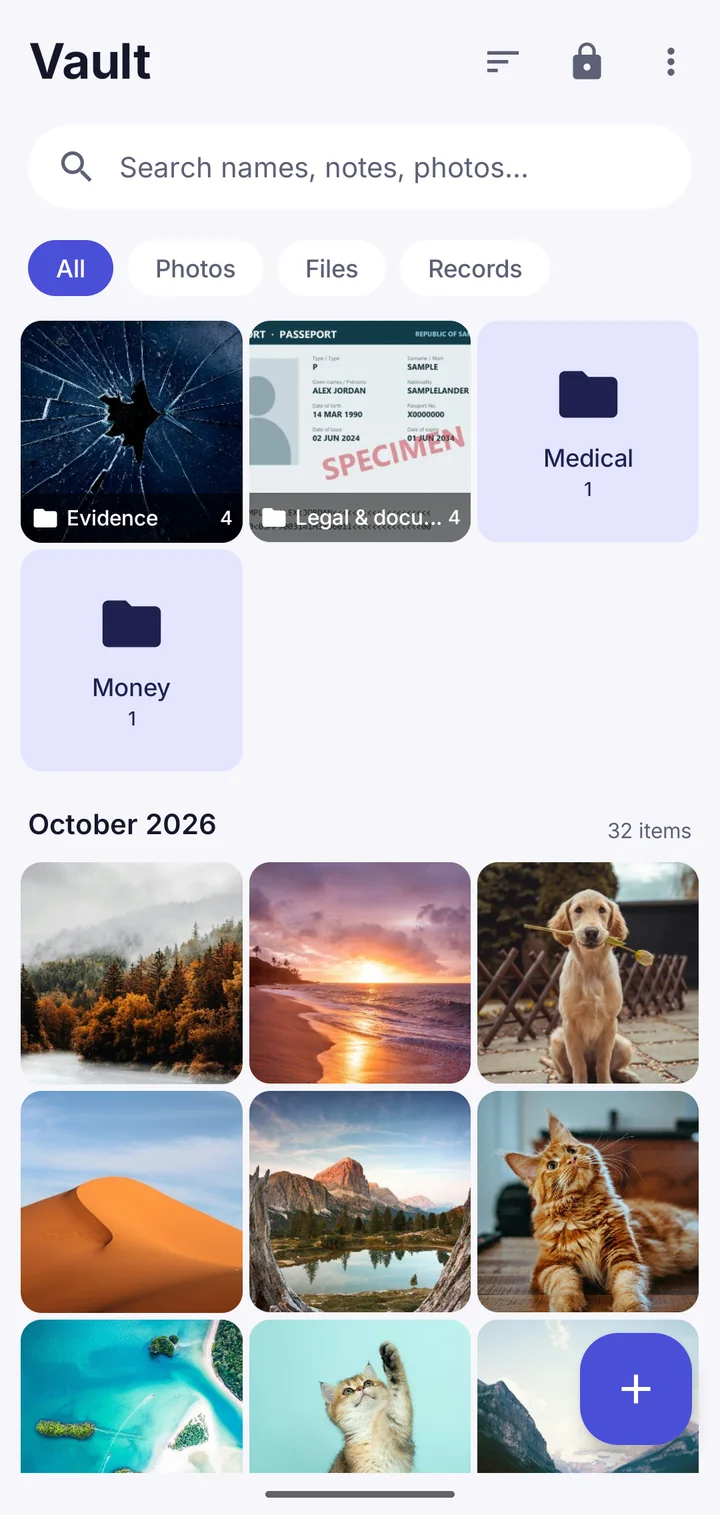
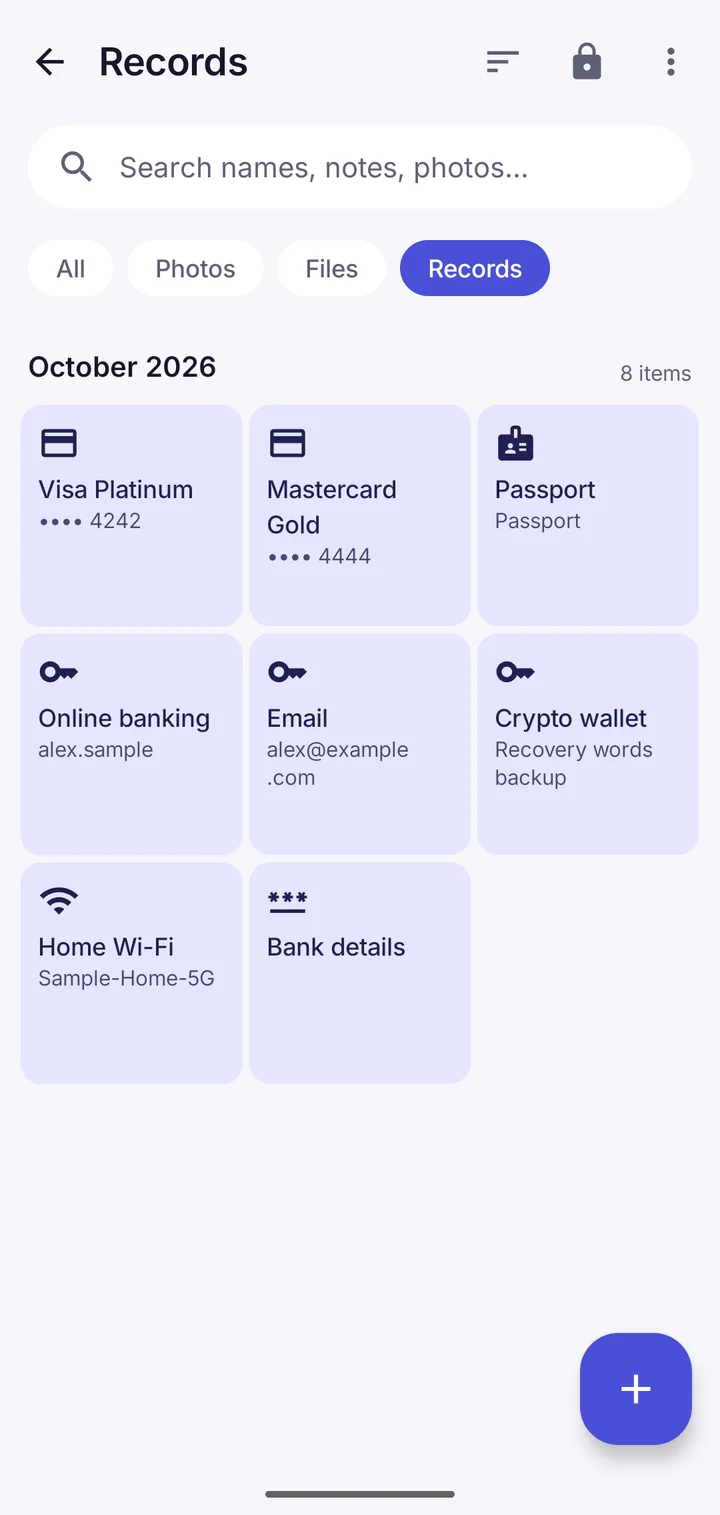
Where backups can go
Google Drive: automatic, into a private app folder in your own Drive. A folder: an SD card, a USB stick or a cloud app that appears in your phone's folder picker. A file you save anywhere. Your computer over Wi-Fi.
Check a backup works
Type your 9 recovery words from where you wrote them down, and the app reads every part of the backup. Nothing is restored or changed. You find out today, not on the day you need it.
Where Vault This is different
Backups are free on every plan, and the check proves two things at once: the backup is complete, and the words you wrote down are right.
Questions
Can Google see my backup?
Google sees an encrypted file and its size, not what's in it. Only that vault's recovery words open it.
How do I move to a new phone?
Install Vault This on the new phone, choose Restore from a backup, and type the vault's 9 words.
Take back your privacy.
Free to download. No account. Your files never leave your phone unless you choose.