Your computer. No cable, no cloud.
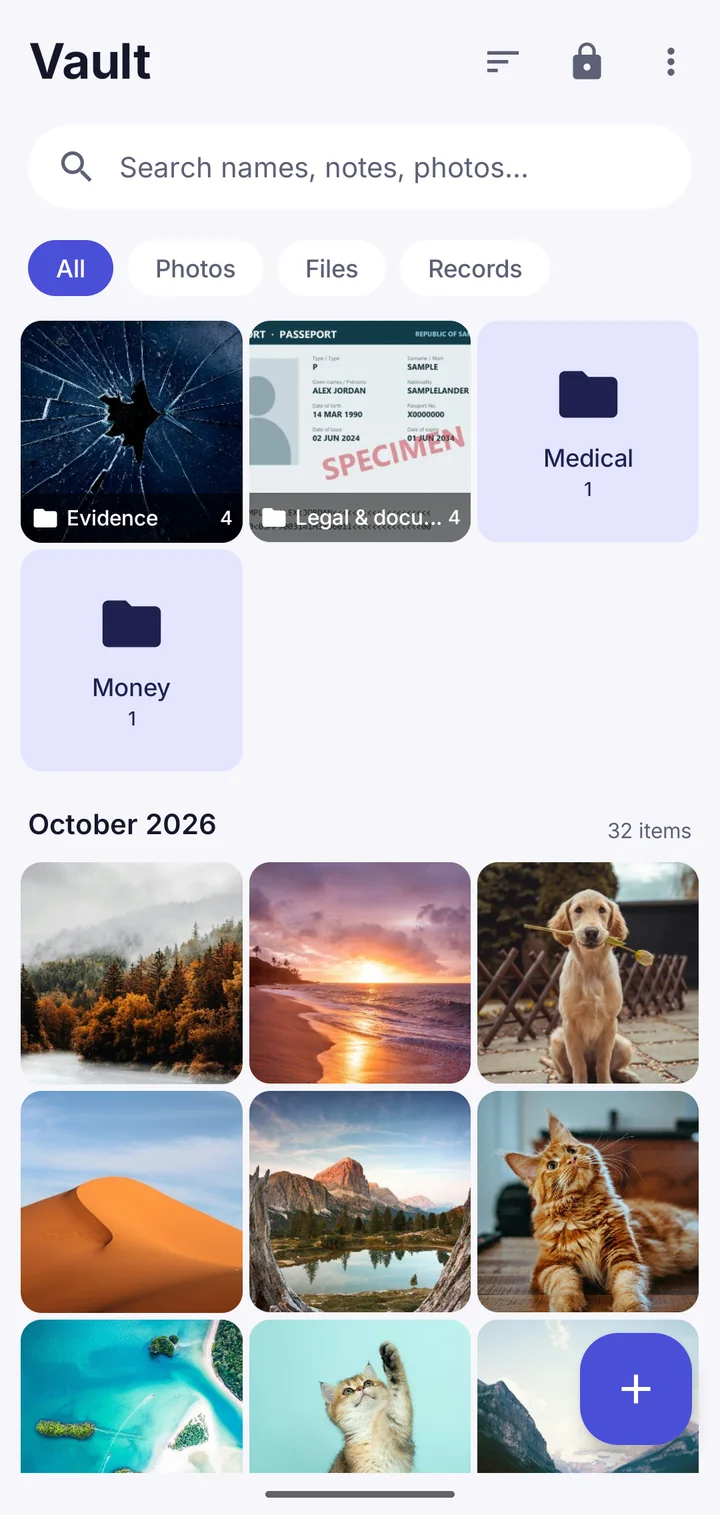
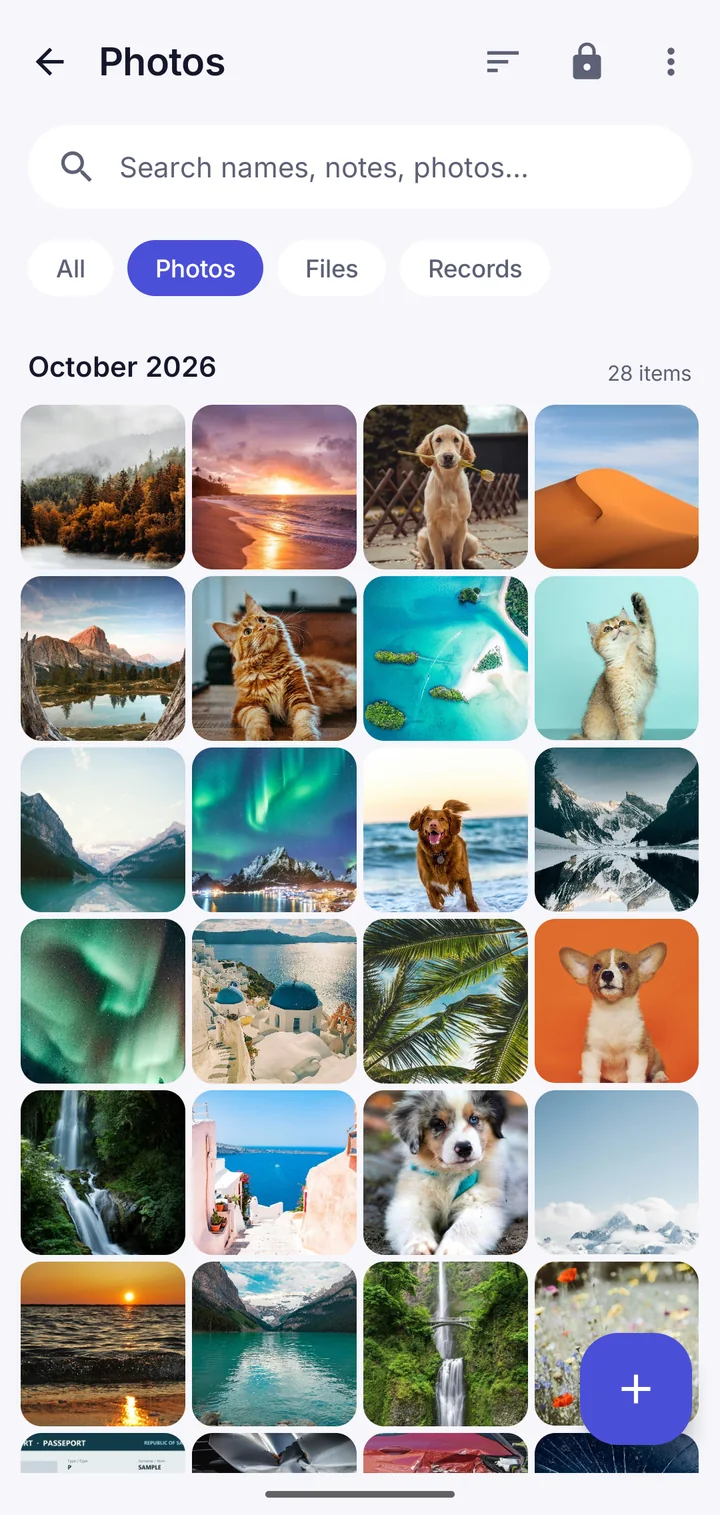
Open Transfer with a computer, type the address into any browser on your home Wi-Fi, and move files straight in and out of the vault.
- Works in any browser, no software to install
- Upload whole folders, download everything
- A code on the phone keeps others out
- Nothing goes through the internet
How it works
The phone runs a small web page on your own Wi-Fi while the screen is open. Type its address on the computer, then the 4-digit code shown on the phone. Too many wrong codes and the phone stops listening.
Good for
Moving a big library in or out, bringing photos across from an iPhone or iCloud, and saving an encrypted backup of the whole vault to your computer.
Where Vault This is different
Your files never pass through anyone's server, ours included. And if it doesn't connect, the screen explains the usual causes, like guest Wi-Fi or a VPN, and what to do.
Questions
Is it safe on public Wi-Fi?
Use it on a network you trust, like your home Wi-Fi: on the network itself the files aren't encrypted while they travel. Or turn on the phone's hotspot and connect the computer to it.
Take back your privacy.
Free to download. No account. Your files never leave your phone unless you choose.