Locks the moment you need it to.
Unlocking your phone never unlocks your vault. And it locks itself again in more ways than you'd think.
- Locks when you leave or the screen goes off
- Lay it face down or shake it to lock
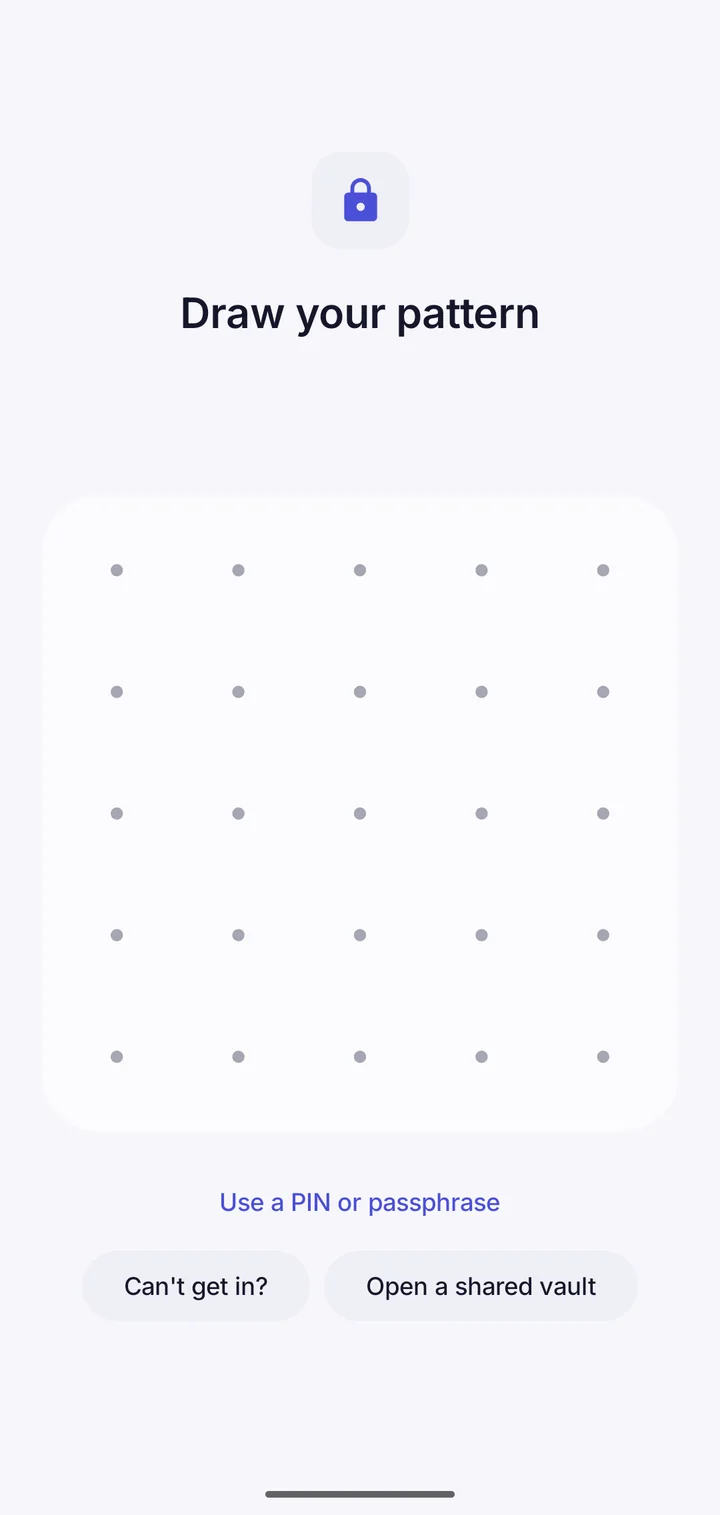
- Hide your pattern as you draw
- A growing wait after wrong guesses
Ways it locks
When you leave the app, straight away or after a delay you choose. After a time without use. When the screen turns off. When you lay the phone face down or shake it. Or with the Quick lock button in your quick settings.
Ways to open
A pattern on a 5×5 grid, a PIN or a passphrase. Hide the pattern as you draw, or shuffle the PIN keypad, so someone watching learns nothing. You can let a fingerprint open one vault, with an honest warning about what that means.
Where Vault This is different
After several patterns that open nothing, the app makes you wait, longer each time. Opening a vault doesn't reset that, so knowing one pattern doesn't help anyone guess the others.
Questions
Can someone see my vault in the recent apps list?
No. The recent apps preview, screenshots and screen recording are all blocked.
Take back your privacy.
Free to download. No account. Your files never leave your phone unless you choose.