Share privately. Stay in control.
Give people a read-only copy of a whole vault or any folders you choose. What you add later reaches them, and you can end it any time. Pro
- Any number of folders in one share
- Up to 25 people, each with their own words
- End dates, open limits, no saving copies
- Free to open: only making a share needs Pro
Five ways to share
Online link through our sharing service. A shared cloud folder in Google Drive. A share file you send any way you like. Phone to phone over Wi-Fi. Or your own Cloudflare account, where a private server has no limits of ours.
Every way gives a read-only copy opened by a 12-word phrase that never passes through anyone's server.
Choose what to share
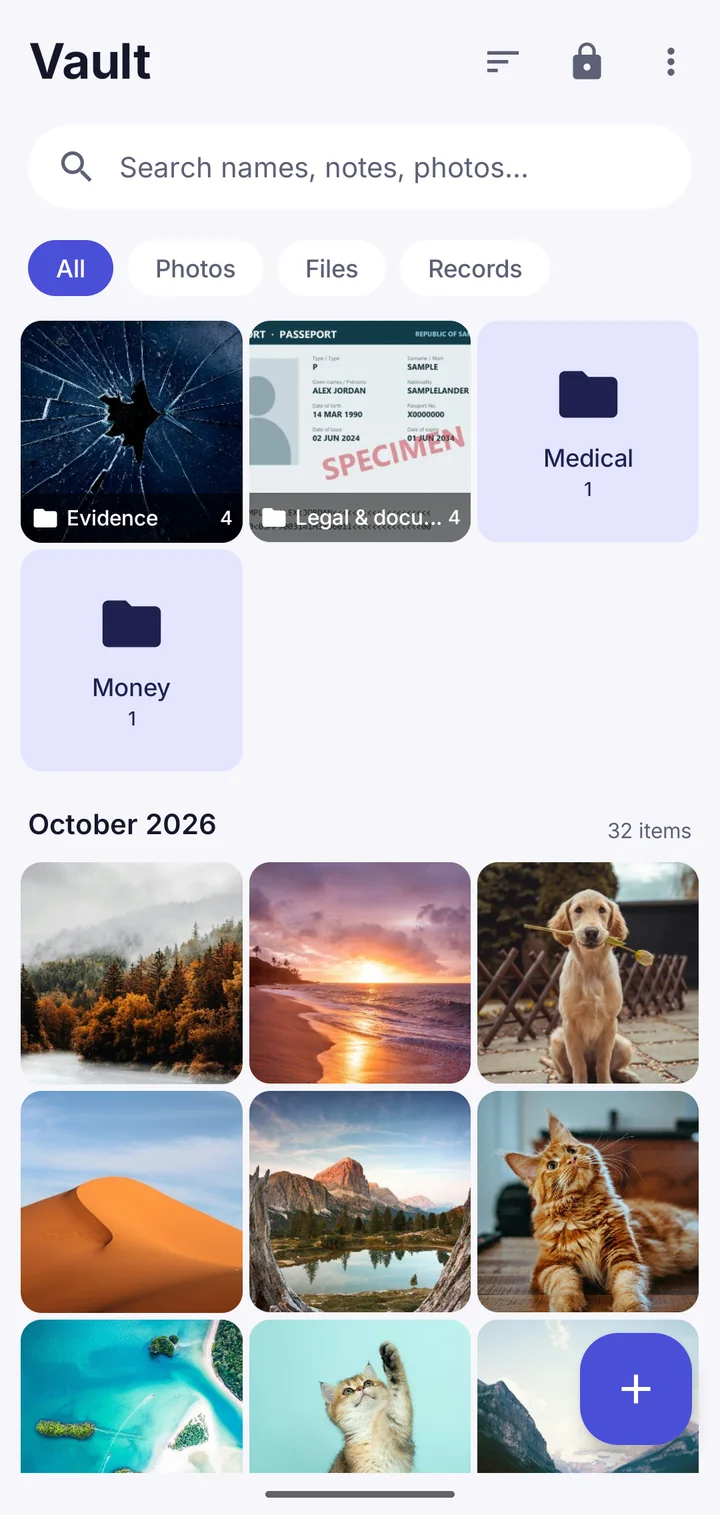
Select folders in your vault, then tap Share with people. Each folder arrives as its own folder for the other person. Folders you've shared show a small shared icon, and tapping it shows who can see them.
Where Vault This is different
Share exactly the folders you mean to, not the whole vault or nothing. Give each person their own phrase, remove one person without affecting the others, and see who has opened their copy.
Questions
Can the people I share with pass it on?
No. Their copy is read-only and can't be shared on. If you choose, they can't save copies out of it either.
Can you see what I share?
No. Shares are encrypted on your phone. The keys and phrases never reach our server.
Take back your privacy.
Free to download. No account. Your files never leave your phone unless you choose.