Travel light. Leave nothing to find.
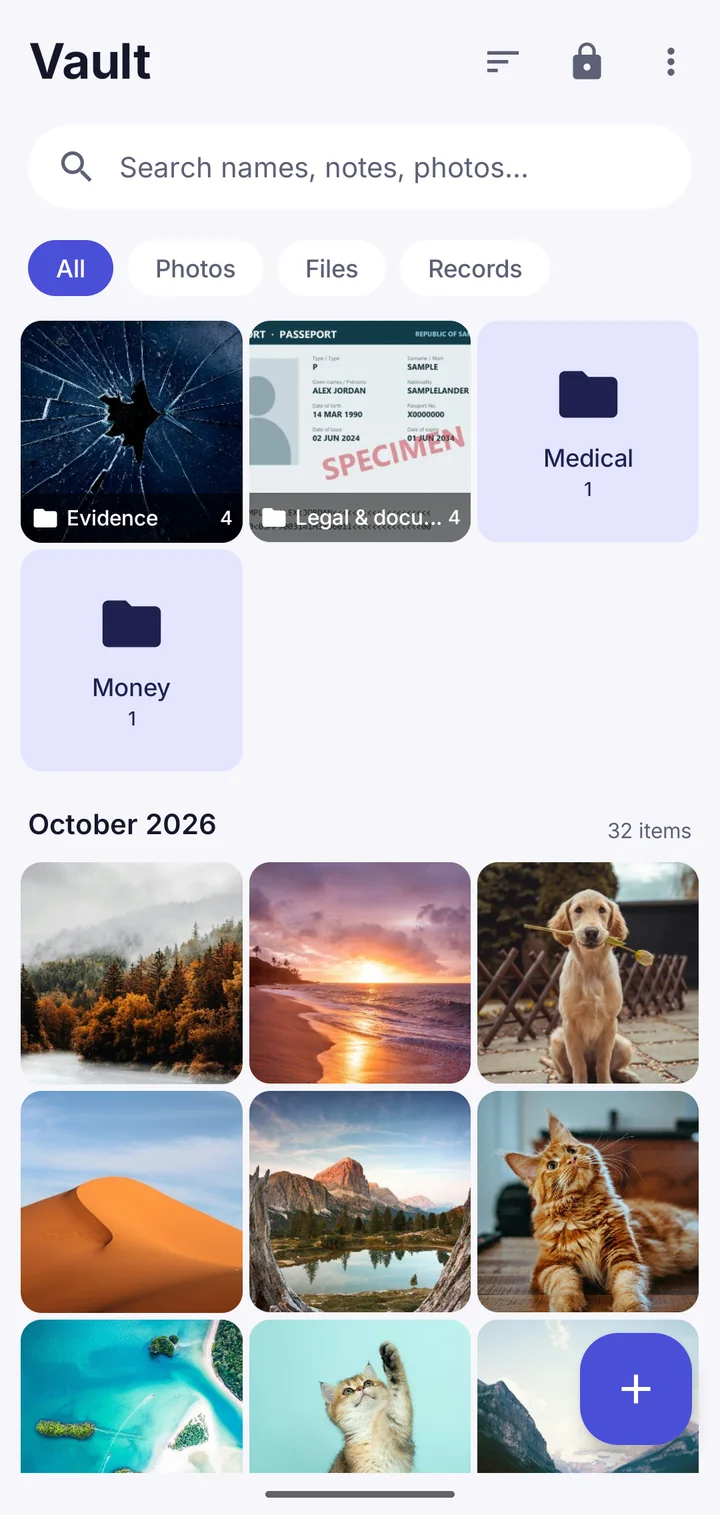
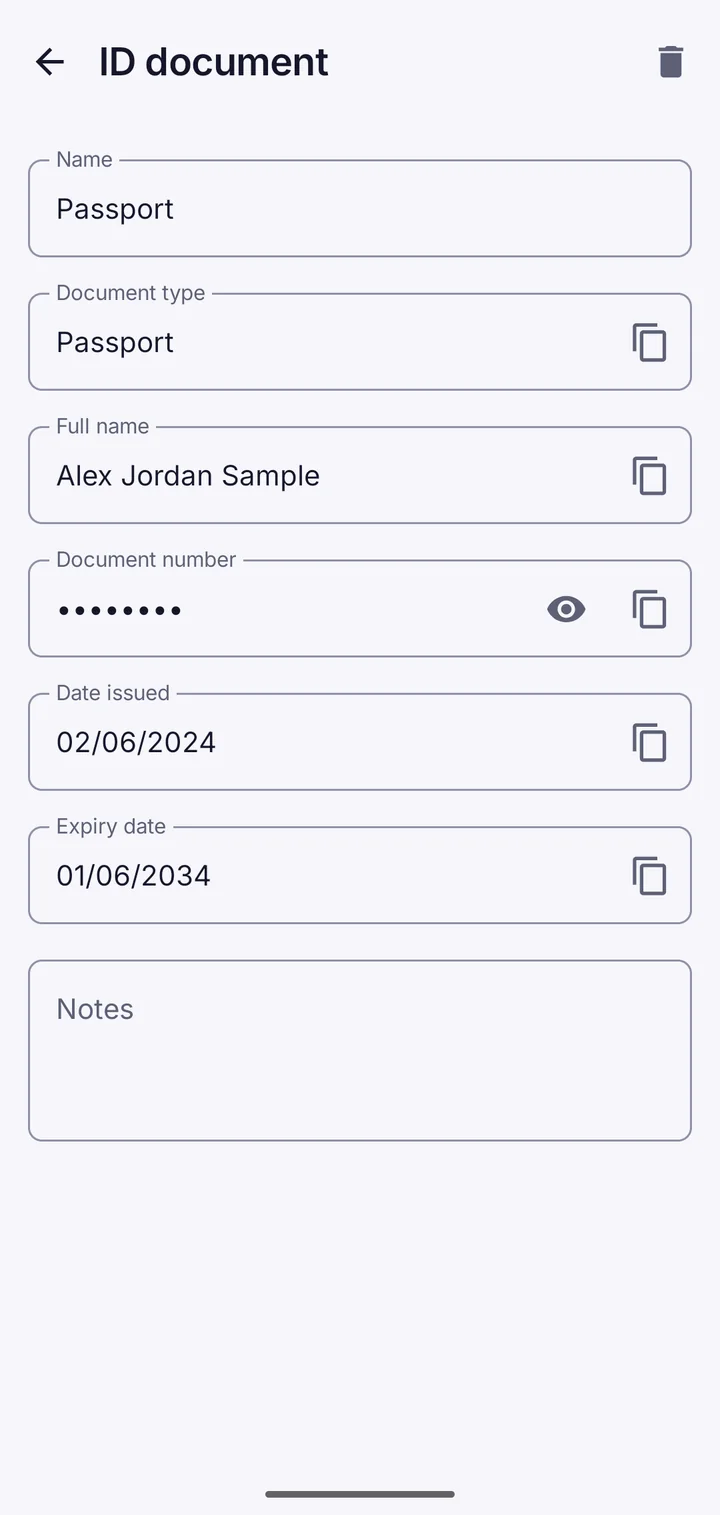
Some borders can require you to unlock your phone. Travel mode takes a vault off the phone before you go, and brings it back when you're home.
- Nothing of the vault left on the phone
- Only after the backup is checked with your words
- Comes back with the same 9 recovery words
- No lying and nothing destroyed
Three steps
1. Back it up to Google Drive, or to a file you keep off the phone.
2. Check the backup by typing your 9 recovery words from where you wrote them down. The app only continues when that backup opens with this vault's words and holds everything in it.
3. Take it off this phone. Its key is wiped from the secure hardware and its files are deleted. When you're back, restore it from the backup with the same words.
Why not just rely on the vault?
Encryption protects you from thieves and hackers. It can't help if someone with legal power makes you open it. Hidden vaults and the duress vault help there, but travel mode lets you answer every question truthfully: the vault simply isn't on the phone.
Where Vault This is different
Travel mode won't remove anything until it has proof you can get it back: a recent backup that opens with the words you wrote down. Most apps would leave that check to you.
Questions
Is it legal to remove files before travelling?
In most places, yes: you choose what you carry. Check the rules for where you're going, and never lie to officials.
What if I lose the backup?
Then the vault is gone, which is why travel mode makes you check the backup and your words first.
Take back your privacy.
Free to download. No account. Your files never leave your phone unless you choose.